
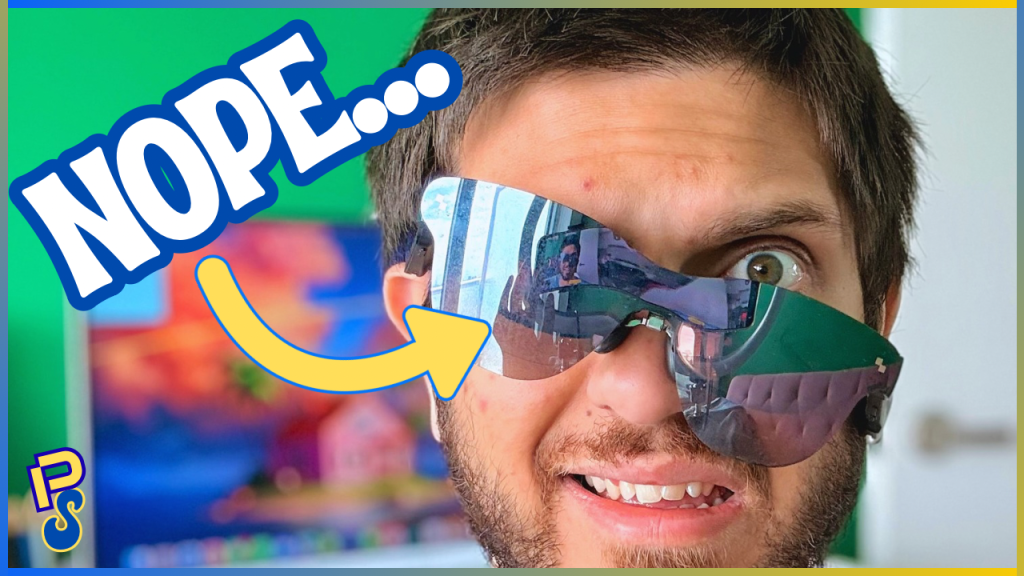
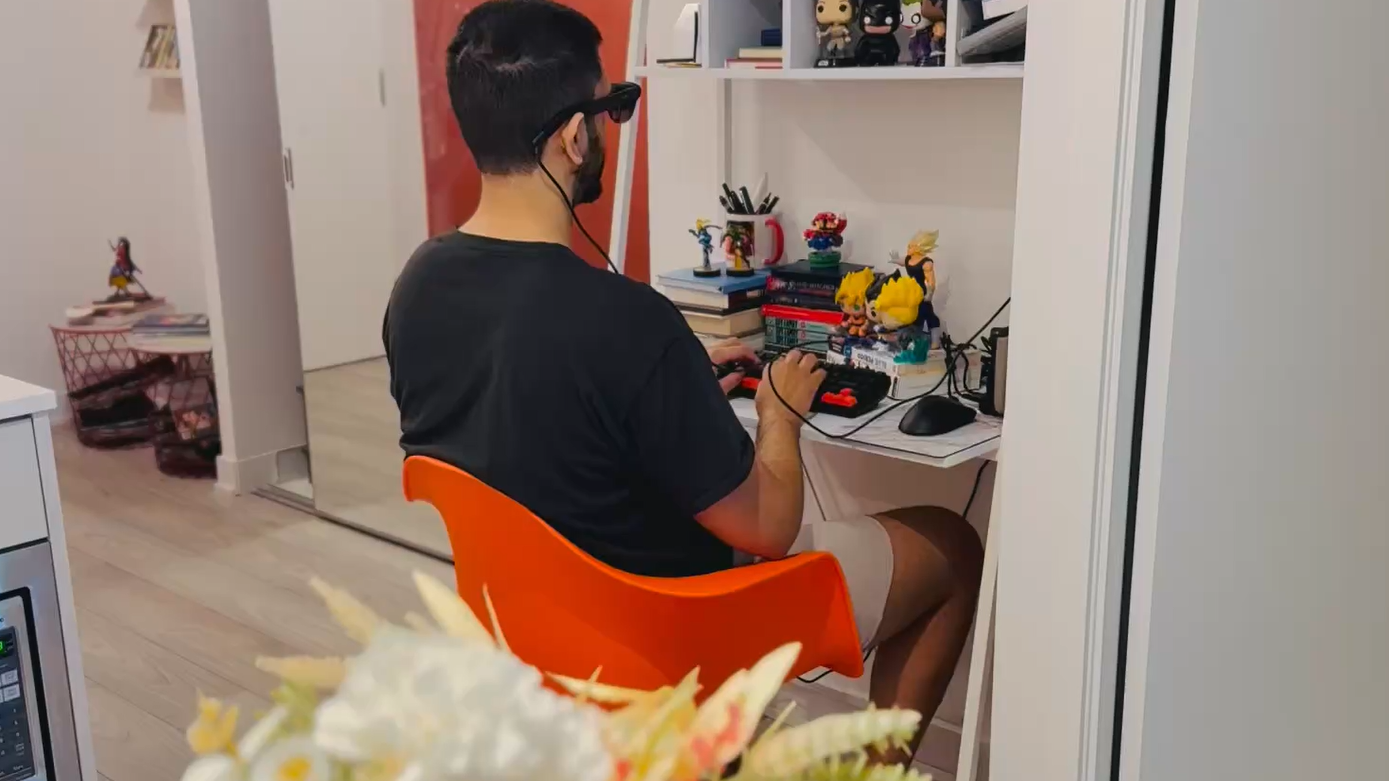
For the past six months, I have been working at my desk like this:
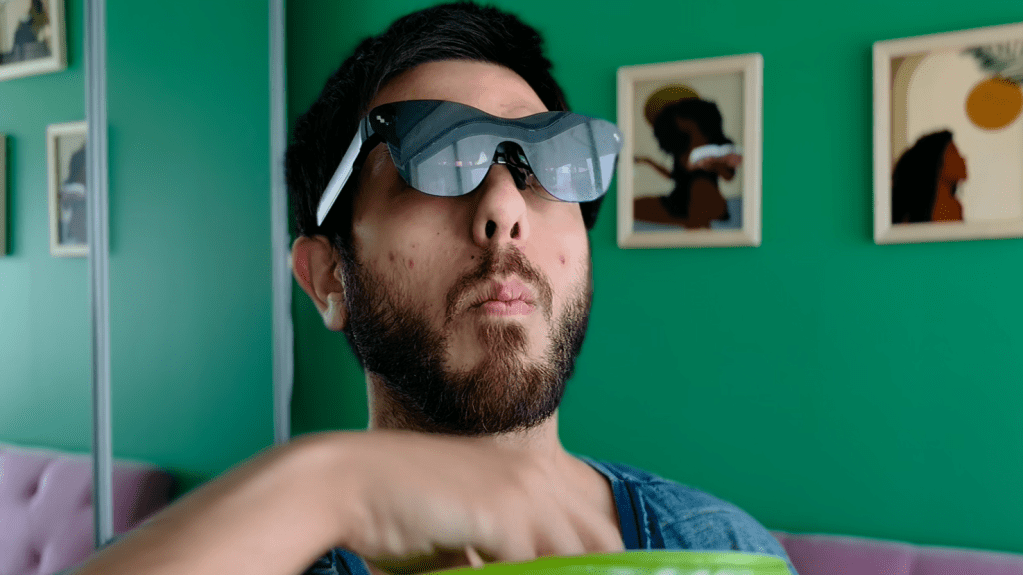
I have been watching my favourite movies and T.V. shows like this:
And, I have been playing games on my handheld gaming PC like this:
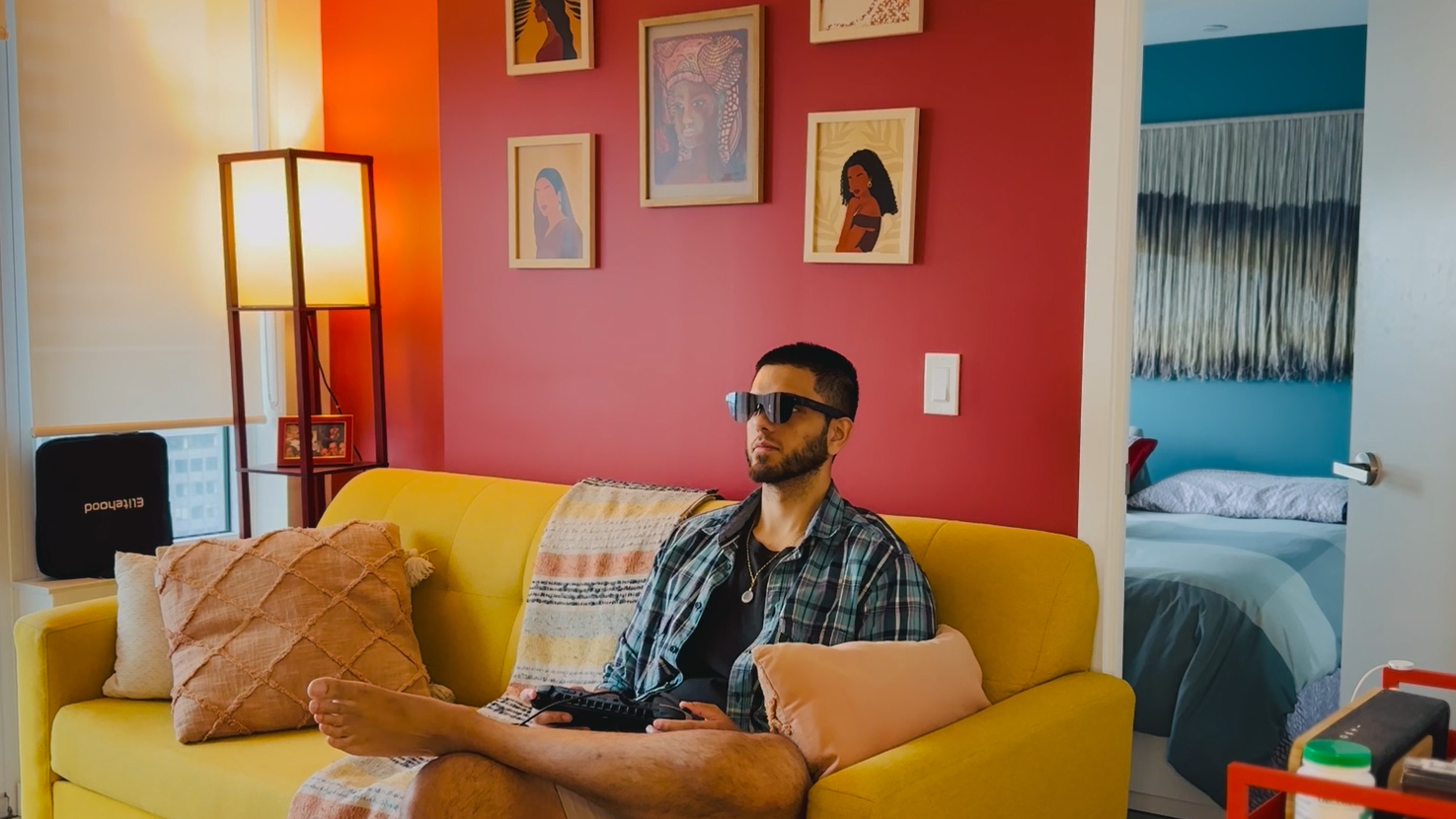
Pretty much, aside from my phone and Miyoo Mini Plus, if I was doing anything that involved a screen I was doing it while wearing these:
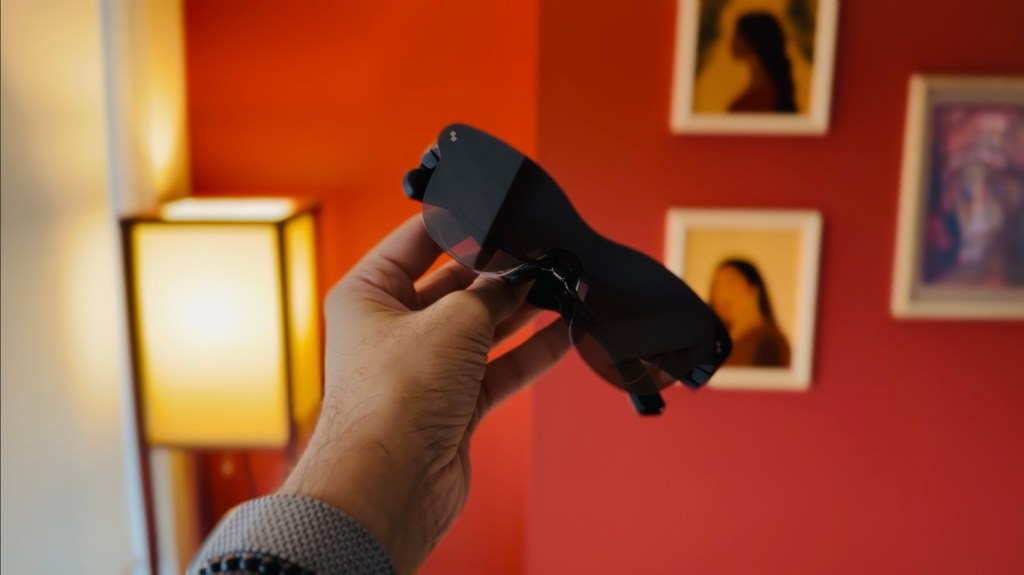
The RayNeo Air 3S Pro. A pair of XR glasses that plug into your phone, laptop, or PC gaming handheld and provide up to a 200-inch, 1080p micro-OLED right in front of your face. Now, as mentioned in my full review, that “200 inches” is a bit of cheeky marketing considering these are XR glasses and not AR or VR. As such, the screen is static and its size is relative to how far you’re sitting from where the static screen is “placed.” Meaning, if you’re sitting at your desk with a wall three feet away, the screen will appear to be around 32-inches; if you’re on a couch staring at a wall six feet away, it’ll look like you’re watching roughly an 80-inch one—so on, and so forth.
The idea of having this portable OLED wherever I go, having it be a computer monitor or a massive TV screen for both movies and gaming in an instant, was a childhood dream come true. Not to mention, I was able to do all of that for less than 400 CAD. Unfortunately, after using it daily for the past six months, the honeymoon period has ended and I’ve come to realize that some of its quirks are simply too frustrating to deal with on a day-to-day basis. As such, I’ve decided to revert back to a regular, boring computer monitor; I’ve gone back to using my laptop like a normal human being, and I’m watching The Sopranos on my non-OLED, 55-inch T.V. Why? Well, let me tell you.
The Blurred Edges
If you’ve watched/read my review, you’ll know that I had quite a few issues with getting the RayNeo Air 3S Pro to fit properly on my noggin. After a few days of tinkering, and after getting my custom prescription lenses delivered, I finally got things looking right. Or, at least, mostly right. You see, even though the OLED looked beautiful and the glasses were finally feeling right on my face, the viewing experience still wasn’t perfect. The bottom corners of the screen were still either blurry or fully cut off. I tried readjusting, but then I’d have the top two corners either blurry or cut off. No matter how hard I messed around with the fit over these past six month, I could never get it to where the entire screen was showing perfectly without blurred edges.
I didn’t mind this at first. I was still getting 95 percent of the screen, which was gorgeous, and it’s not like my attention was focused on the bottom corners all that often anyway. That is, until it was. If you’ve played a video game, you’ll know that those bottom corners are often where the game’s HUD likes to live. Trying to find your way around Kamurocho in Yakuza can be quite the pain when half of your mini-map is cut off. Forget games, trying to figure out the time or click on your notifications on your PC’s dashboard becomes a fun game of darts in the dark.
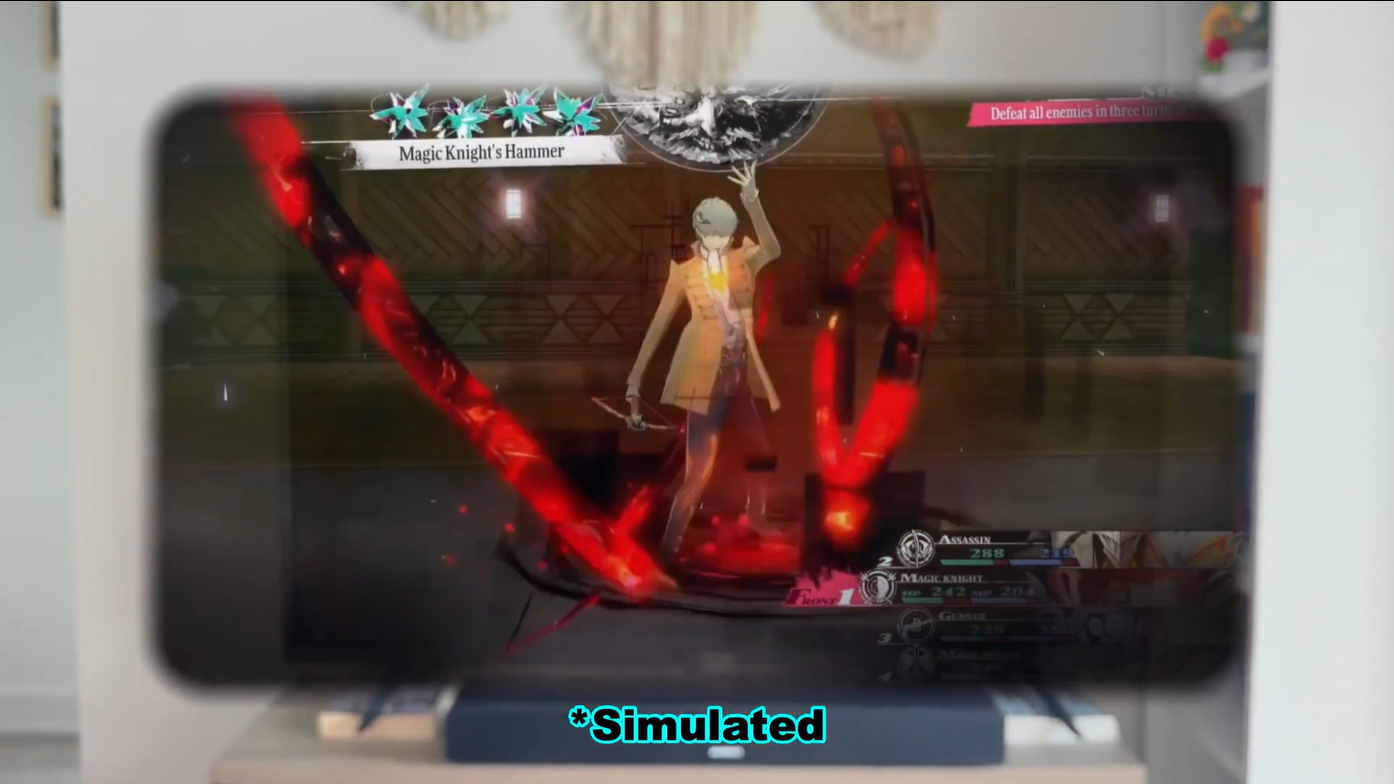
The only time I didn’t mind these blurry corners was when watching movies and T.V. shows. Which makes sense considering most of your attention is on the centre of the screen and you’re not having to interact or actively pay attention to those bottom or upper corners.
The Posture
If you’re anything like me, posture isn’t something that’s always on your mind. As such, slouching, leaning, and slumping in your chair are all commonplace during your time at your desk—to the chagrin of your hips and back. For me, in addition to the frequent slouch, I’m also a head tilt-er. You’ll often find me at my desk, laser-focused on writing that perfect sentence or watching Tony Soprano figure out his childhood trauma, all the while looking like the Bent-Neck Lady from The Haunting of Hill House.
Unfortunately, being a head tilt-er doesn’t go well with XR glasses. Since the screen is fixed, it goes with you, literally. Every tilt, bob, and weave of your head will see the screen in front of you mimic each and every move you make. So, if I were to watch something with my head resting on my hands, for instance, it means the screen I’d be looking at would be tilted in an awkward 45 degree angle. Meaning, for the past six months, I’ve been having to sit up straight with my head perfectly aligned. Something my fourth grade teacher would be proud of, but not something I care to do for hours on end while working or playing a game.
The Fatigue
One of the aspects I hadn’t considered when beginning this venture with XR glasses was the fatigue of wearing them. It’s not even about the weight, as even with lens inserts the total weight of the 3S Pro is under 100 grams. Yet, there’s something about having this big, bright screen burning into your eyes, and the bridge of your nose consistently being pressured by the nose pads that begins to weigh on you after some time. Having this contraption be stuck to your face, though may feel more immersive, gets a little claustrophobic.
Moving Forward
I think there’s still space for XR glasses in my tech setup. Watching movies and T.V. shows while laying in bed, with that beautiful micro-OLED taking up the entirety of my ceiling, is still a fantastic experience. I can see myself taking it on trips to have a nice, portable display to play games and watch movies on in short bursts. “Short bursts” are the key words, however, as I doubt I’ll be going back to daily driving my 3S Pros for hours on end. Though I still think they’re a great companion for handheld gamers to help alleviate neck pain and hand fatigue, the blurry corners can become frustrating to deal with.
Nevertheless, these are still one of the cheapest ways to get a big, micro-OLED. I’d still recommend them to a friend, but would make sure they knew exactly what they were getting, and would suggest they not use them as complete screen replacements.


Leave a comment