

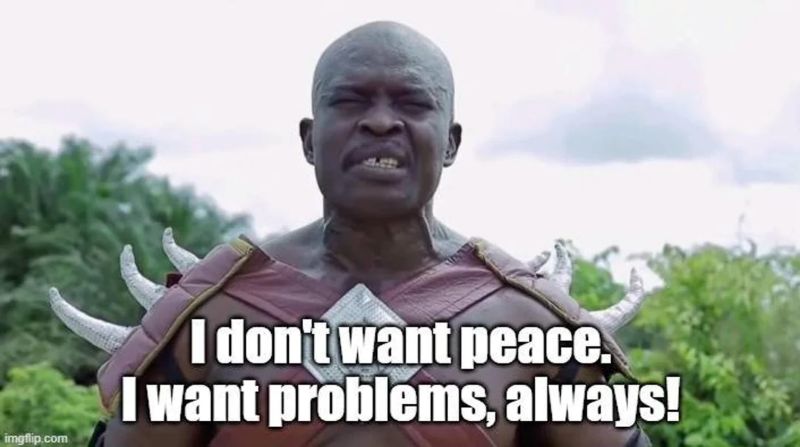
You know, there are days where I wake up, watch as the beautiful amber sun rises over the horizon, its light gently cascading over the city skyline, and instead of being inspired to live another day filled with gratefulness, peace, and love, I decide to go:
Today was such a day. Because today, I decided that I wanted to make an entire video using only the Retroid Pocket Flip 2—an Android-based, mid-tier retro gaming handheld. And when I say “entire,” I mean entire. From writing the script to editing the video to making the thumbnail, I wanted to see if it would be possible to have an entire video production workflow while being limited to just the Pocket Flip 2 and a couple of accessories. And by the way, even though the Pocket Flip 2 supports it, I’m not going to be docking this little guy to an external monitor, and then use a full-sized keyboard and a proper mouse. No sir, that would be too easy, and I don’t want easy. Nope, instead, to make the set-up as portable as possible, the only accessories I’m going to be using are a foldable keyboard and a mesh-tipped stylus that I got for $5 on Amazon—that’s it.
Now, why am I doing this? Well, clearly it’s because I am a very unstable human being with masochistic tendencies. Will I ever be in a situation where I need to desperately make an entire long-form video for my YouTube channel (subscribe, btw), but only have the Pocket Flip 2 at my disposal? Probably not. But seeing the different ways in which I can use my tech products, ways that they were never meant to be used, is a silly thing I’ve always done.
I spent so long back in the day to try and browse the web and watch YouTube videos on my PSP. I tried playing long-form, narrative-driven games on my Apple Watch. And my MSI Claw 8 AI+ has become my primary desktop set-up, through which I’ve been doing all of my work and editing all of my recent videos. The Retroid Pocket Flip 2 was not meant to be used this way, but it’s an Android-based device with enough power to run some pretty high-end emulation. As such, I should be able to use apps like Proton Docs to write my script and LumaFusion to (hopefully) edit 1080p video without much issue.
If you’re reading this article, it means I have been successful. I have made an entire long-form YouTube video with just the Retroid Pocket Flip 2. I don’t know how I did it, but here is how I’m planning to tackle this ridiculous endeavor, the software and accessories I’ll be using, and will update the script with my future self to interject and yell at me while sharing his experience editing this video. Future self, I’m sorry.
Writing
So, this is the easy par—writing the script. I’m not too fussy about my word processor. I just need something that has a basic spelling/grammar check, some basic formatting options, and I’m good. For the past few months, I’ve been using Proton Docs. An app that’s also available on the Google Play Store. Opening it up on the Pocket Flip 2, and it looks and runs pretty much the same as any other mobile version of a word processor.
For the accessory, I’m using this nifty foldable Bluetooth keyboard by a company called VX Case (my fellow Brazilians will be very familiar with that name.). It has your standard chiclet style keys that are a little too close together but have decent travel; a little nubbin for a “trackpad” that’s practically unusable but does the job for clicking things, and a USB-C-powered battery. Connecting and using the keyboard on the Pocket Flip 2 was pretty seamless and easy. It does have some bugs with Proton Docs’ auto-correct feature, where it’ll add or remove letters when trying to delete things or move around the doc, which is quite annoying, but it wasn’t frequent enough to cause too much of an issue.
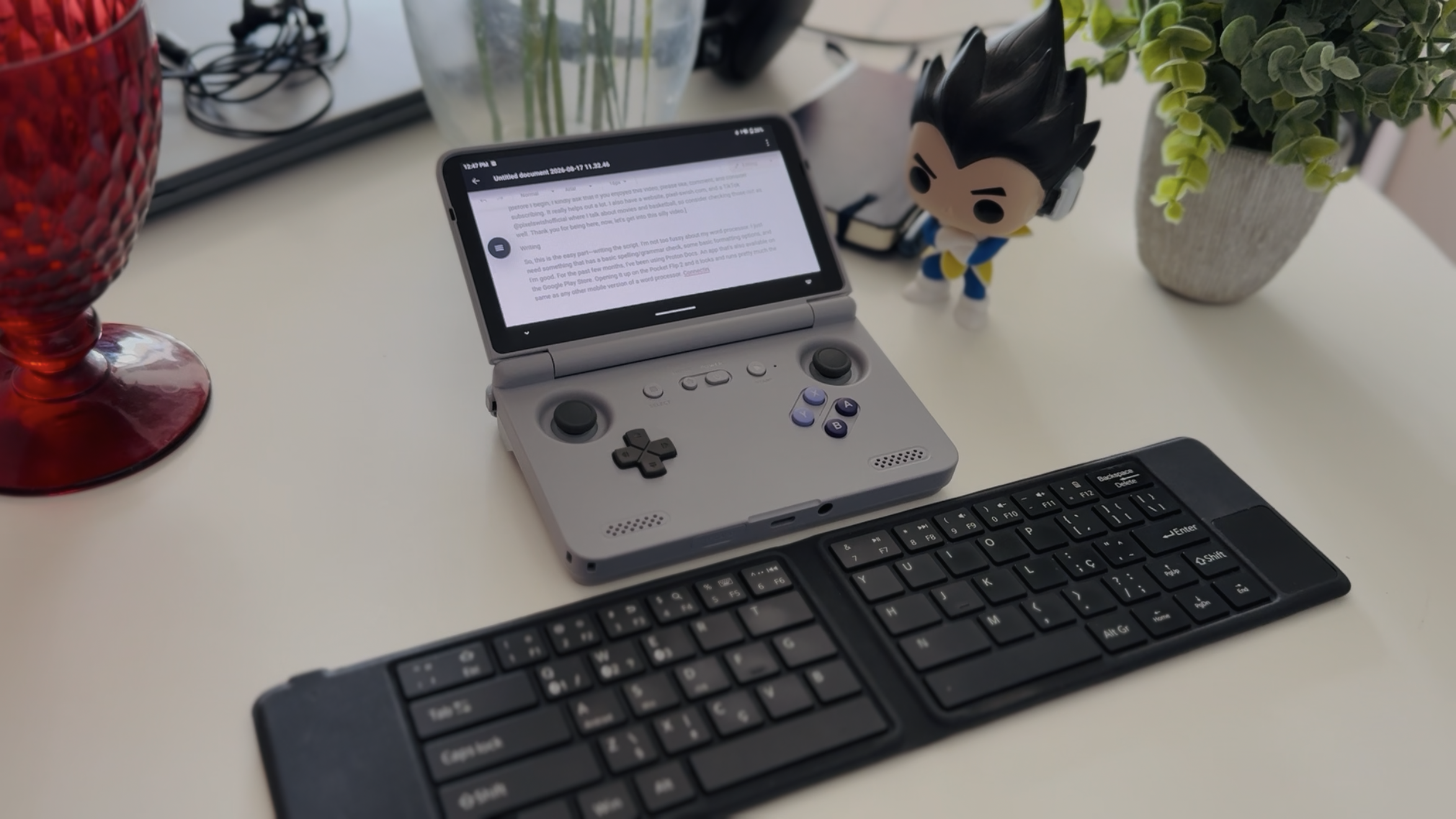
Now, as you can imagine, writing while looking down on a 5.5-inch display is an ergonomic nightmare. Even though it’s nice that the Pocket Flip 2’s “flippy” design allows it to be its own kickstand, it’s still a tiny little device, which, coupled with the small text on the screen, makes it so creaking your neck down to get a closer look at what you’re typing is normal. Thankfully, this isn’t my first rodeo trying to use a small device to do some typing—I’ve written entire articles in a similar set-up with my phone in the past. As such, I’ve trained myself to use my eyes to look down while doing my best to keep my head straight.
Obviously, you could use a pair of XR glasses like the RayNeo Air, which works great with the Pocket Flip 2 and makes this experience a whole lot better, but, again, that’s too easy. Overall, I’d say the writing portion of this experience was, as expected, fairly smooth. Now, let’s get to the part I’m really dreading.
Editing
Alright, so I just edited that entire last section, and I hate my past self for thinking this was a good idea.
Okay, in all seriousness, it wasn’t that bad. Opening up LumaFusion and getting all of my footage in order via a USB stick was fairly easy. LumaFusion was my primary editing software for years, so getting reacclimated to the UI didn’t take too long. Honestly, I was pretty impressed with how smooth everything ran. I could scrub through the timeline without any hitches, even after adding in some transitions, text, music, and an extra video layer. However, things did get pretty hot, with the internal temps of the Pocket Flip 2 going past the 90 degree Fahrenheit mark for short bursts during playback. This led me to manually turn on the fans to full blast, which brought things down to a more comfortable 65-ish degrees.
My biggest issue, honestly, was something I’m not even sure was the Pocket Flip 2’s fault but rather a problem with LumaFusion—lag. Whether using my fingers or the stylus, there was this ever-so-slight delay between my inputs and the action taking place on screen. This led to frustrating missed inputs or accidental presses. I never had this issue with LumaFusion on either my iPhone or Mac, so I wonder if it’s a quirk with the Android app. The other issue was, once again, the size of the screen. Doing micro adjustments on the timeline and dragging clips around was a pain and a half on the small screen. Even with the stylus — which, admittedly isn’t the finest tipped or best quality — things felt too cluttered and hard to navigate when the edit got busy.
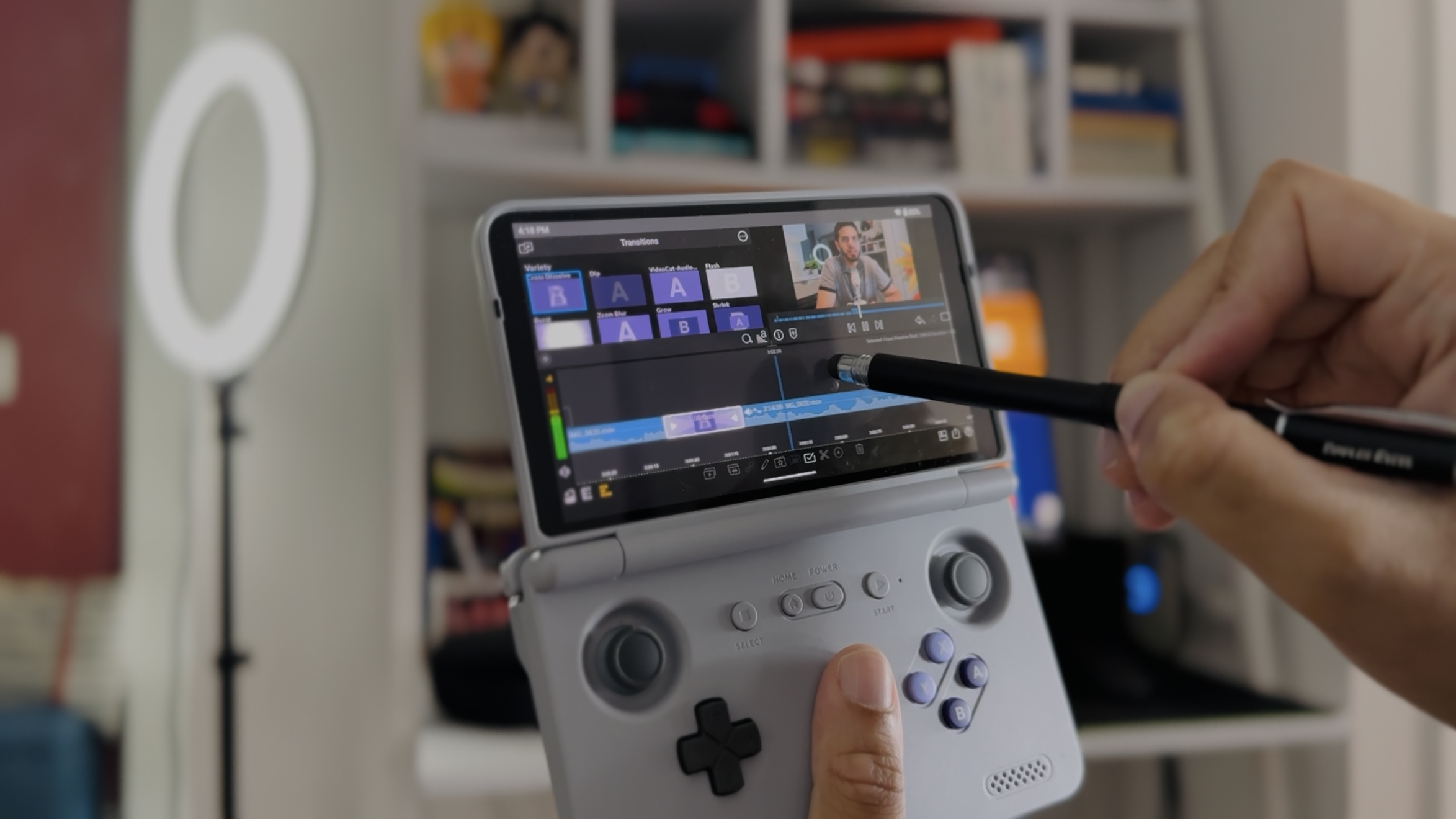
Still, even with these annoyances, I was expecting things to be far more frustrating. But they weren’t. And I was genuinely impressed with how smoothly LumaFusion operated during my edit, with zero slowdowns. It goes to show how far we’ve come with mobile processors that even a chip from 2019, on a relatively cheap handheld, can handle 1080p, long-form video edits with a fair amount of ease. Hook it up to an external monitor with a keyboard and mouse, and you honestly don’t have a terrible set-up.
Final Thoughts
Well, there you have it. An entire video written and edited with the Retroid Pocket Flip 2. I also did the thumbnail on this guy, which was probably the easiest task as it was just a quick edit on Canva. Is this something you should do with your Pocket Flip 2 or other equivalent handheld? For your sanity’s sake, absolutely not. But can you? Well, yeah. I was honestly expecting to run into a lot more issues with this project, and was pleasantly surprised by how smooth it all went.
With that said, I think I’ll stick to just playing Twilight Princess on this little guy instead of making it my next portable editing machine.


Leave a comment