
So, I’ve been playing a lot of Assassin’s Creed Shadows. Though I was initially hesitant about jumping into the game, given Ubisoft’s hit-or-miss track record with this series, I’m thrilled I did because Ubisoft Quebec have done a beautiful job of bringing 16th century feudal Japan to life.
However, to experience this vibrant world to its fullest, I wanted to play the game on the PC, especially after seeing Digital Foundry’s video where they outlined just how incredible this game looks when you turn on all the bells and whistles. The game supposedly looks great even on the base PlayStation 5 and Xbox Series X, but to get all the ray-tracing benefits and wonderful hair graphics means you have to sacrifice performance, which is always a bummer.
Now, I don’t have a top-tier PC to play this game at its most gorgeous while staying close to 60 fps, so you know what that means–yup, I’m playing this game via the power of the cloud. More specifically, splitting my time between GeForce NOW and Amazon Luna, playing mostly on my handy-dandy Logitech G Cloud. Here’s how my first ten hours have gone and what I think are the optimal settings to play at on both GeForce NOW’s Performance tier and Amazon Luna.
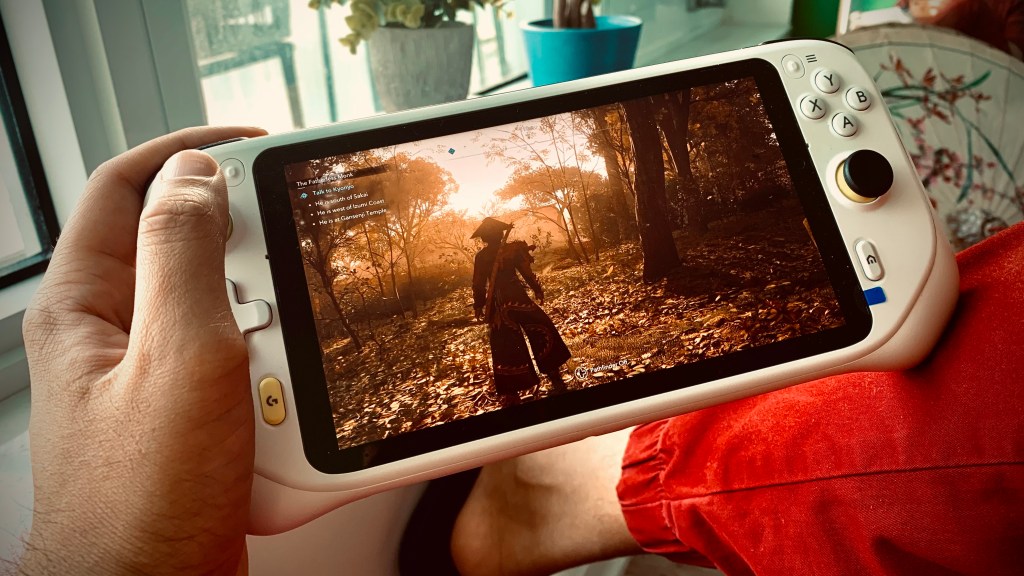
A couple of quick things to note: I live in a big city very close to one of Nvidia’s (and, I’m assuming, Amazon’s) data centres, and also have quite good internet, getting anywhere from 200-500 megabits per second download speeds. Both of these are fairly optimal circumstances in making my cloud gaming experience smooth–that’s not to say it always is, but it’s pretty great. Alright, let’s get into it.
GeForce NOW
Amazon Luna
Assassin’s Creed Shadows runs great on both of these services, though if I had to give an edge to one, it might, surprisingly, be Amazon Luna. Even though the hit to visual clarity due to that lower bitrate is most certainly noticeable, the latency and overall seamlessness in loading in and out of the game without worrying about the infrequent but still annoying queue times make for an overall better experience.
On a small 7-inch device like the Logitech G Cloud, you honestly don’t notice those minor visual irks like artifacting and such. Now, bumping up to GFN’s Ultimate tier will get rid of those queue times and may even help with latency as well, but you’re still going to be stuck with that 100-hour playtime limit, which Amazon Luna thankfully doesn’t have. Though if you’re playing video games for more than a hundred hours a month, it may be time for you to consider touching some grass, just sayin’.
I’m having a blast with Assassin’s Creed Shadows and am so glad the racist grifters didn’t hinder this game’s success. Both Naoe and Yasuke are interesting characters with great stories, and I can’t wait to see how their journey transpires.


Leave a comment